HeyFlat complete guide
From your first login to the daily grind of the house — how to use every feature, explained in detail.
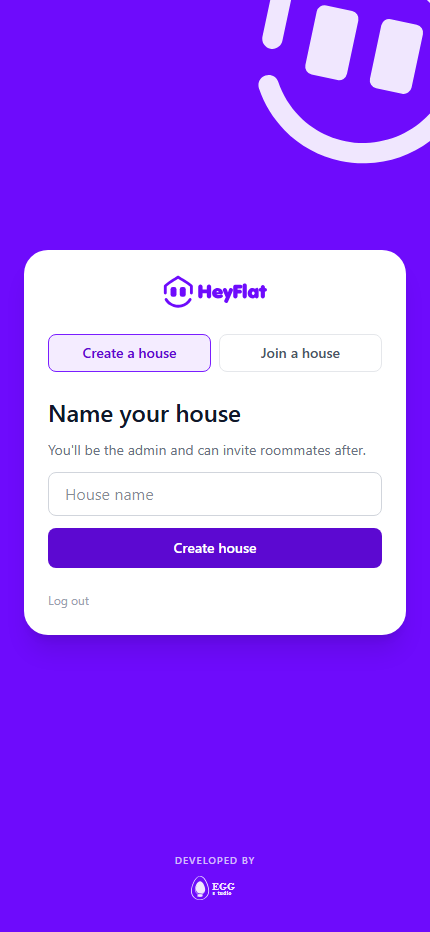
1. Getting started: create your account and join the house
To use HeyFlat you need an account and a house. If you're the first person in your share house to use the app, you create the house. If a roommate already uses it, you join their house instead — that's the most common path.
- Create your account with email and password, from the browser or the app.
- On the first screen, choose between Create house (nobody in your house uses HeyFlat yet) or Join a house (a roommate already invited you).
- To join an existing house, ask whoever is already a member for the invite code — it lives under House → Invite members — and enter it on the join screen.
- That's it: you're in the house, and the shared bills, chores and lists show up automatically.
2. Bills: splitting house expenses
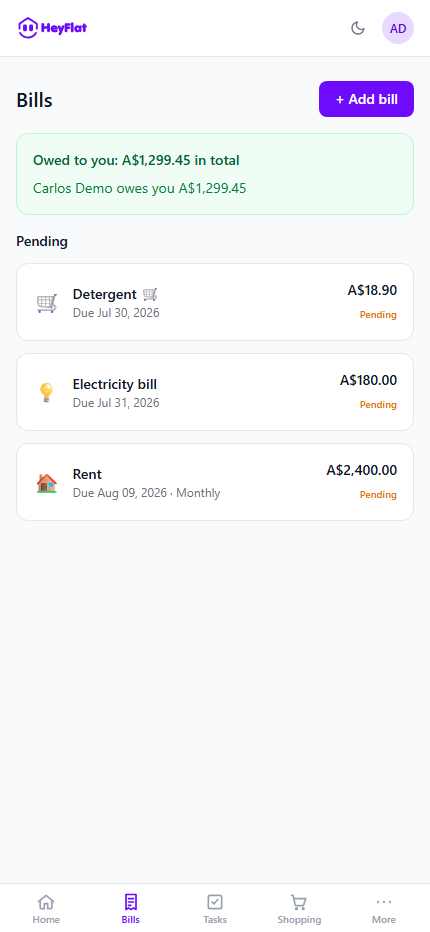
In Bills you log any house expense and split it between roommates — rent, internet, power, water, or any one-off bill.
- Split evenly, by percentage, or by an exact amount per person.
- Recurring bills (like rent) are set up once and repeat automatically every period.
- Each roommate marks their share as paid once they settle up with whoever paid the bill.
- You can delete a whole bill, or just one occurrence of a recurring bill, without touching the others.
3. Chores: organizing house tasks
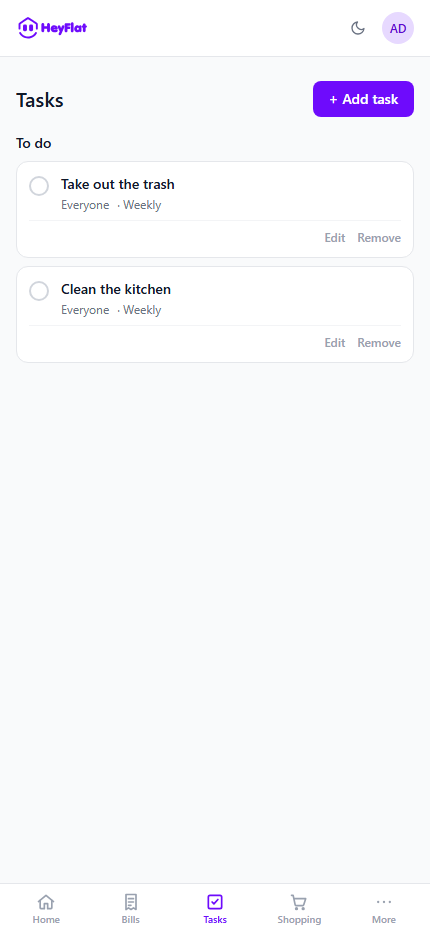
In Chores you create and assign household tasks — to one person, a few, or the whole house.
- Recurring chores (bins, kitchen cleaning) repeat automatically on the schedule you set.
- Everyone marks their own chore as done once finished.
- The monthly 'Roommate of the Month' leaderboard shows who's pulling the most weight — a light way to keep everyone engaged.
4. Expenses: tracking the history
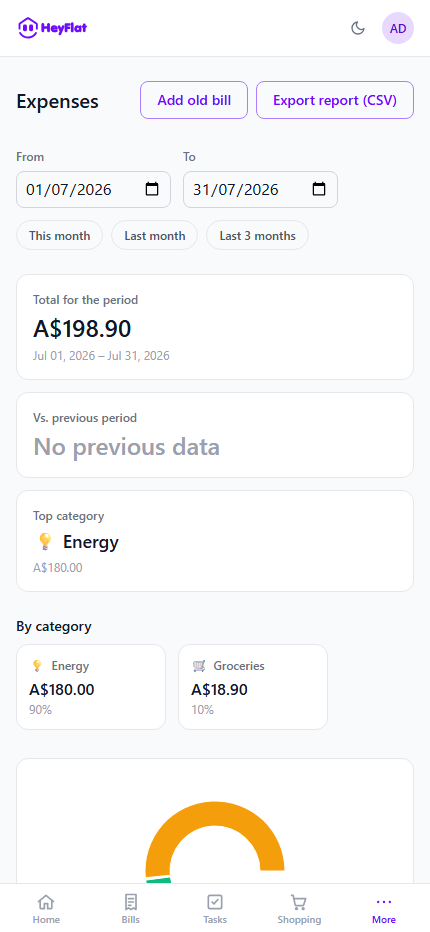
The Expenses tab shows a summary of everything the house has spent over time, broken down by category (rent, groceries, bills, etc.).
Use it to see where the house's money is actually going, without adding anything up by hand.
5. Shopping: a shared list in real time
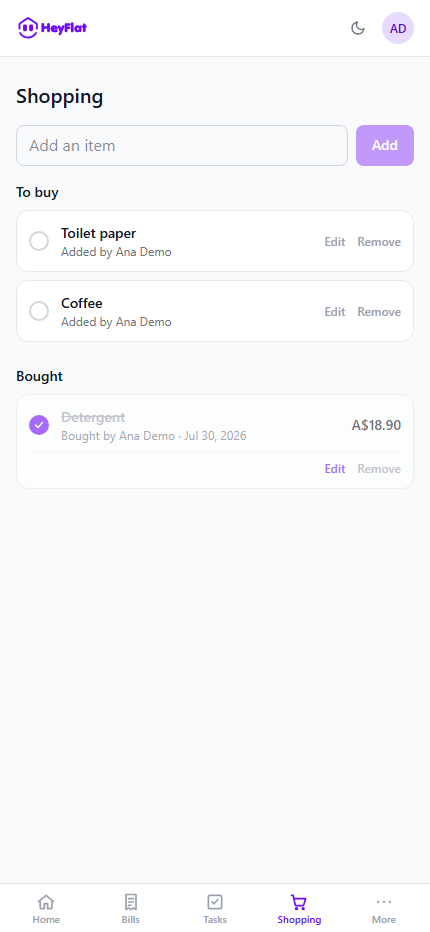
The Shopping list is shared by every roommate. Anyone can add an item the moment they notice it's out, and everyone sees the list update instantly — no more group chat full of shopping-list messages.
6. Calendar: everything in one place
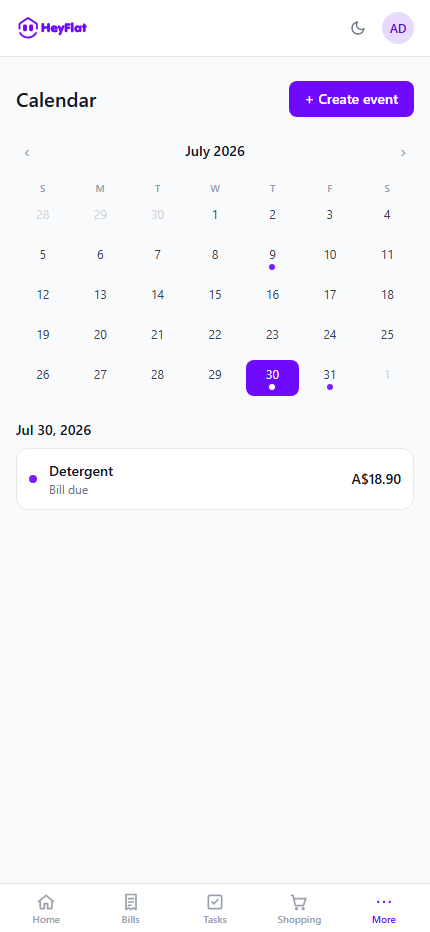
The Calendar brings dated bills and chores together into a single view, so you can see at a glance what's due this week or this month.
7. Maintenance: from issue to resolved
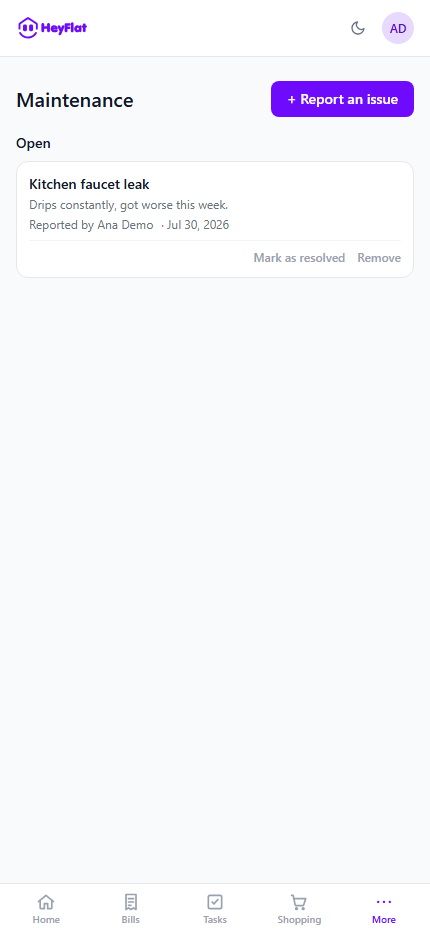
Found a problem in the house — a leaking tap, a blown lightbulb, something broken? Log it in Maintenance with a photo and description, and track it through to resolved.
Nothing gets lost in a group chat this way, and everyone can see what's already fixed and what's still pending.
8. Inspections: move-in and move-out checklists
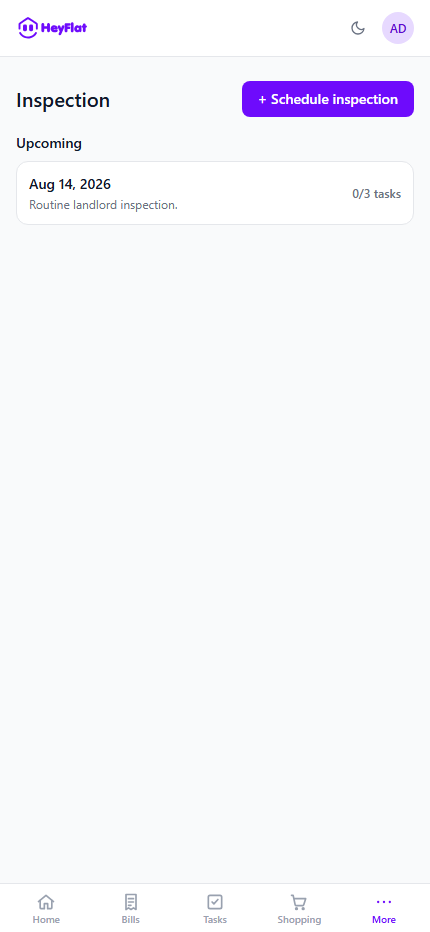
When someone moves in or out, run an inspection checklist to document the condition of each room — it avoids disputes over the deposit or damage on the way out.
9. House: information and invites
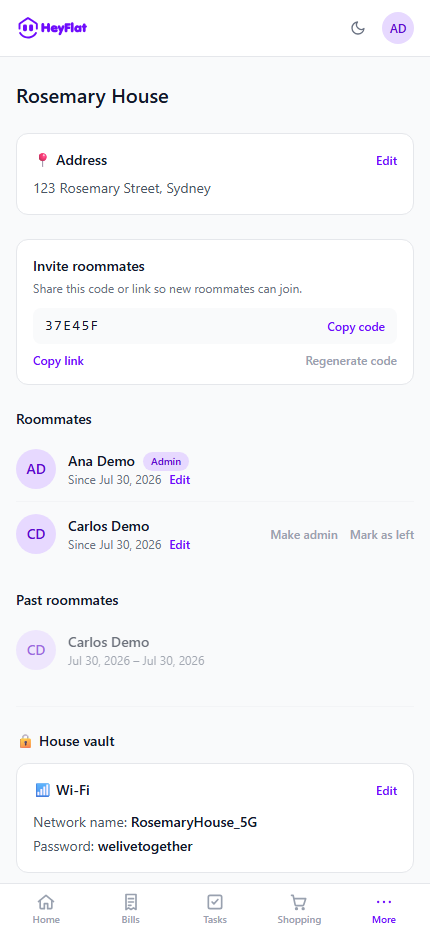
The House tab holds the day-to-day practical info: Wi-Fi password, address, and anything else the house needs to look up now and then.
It's also where you find and share the house's invite code to bring in new roommates — see Getting started for how that code is used.
10. Notifications and reminders
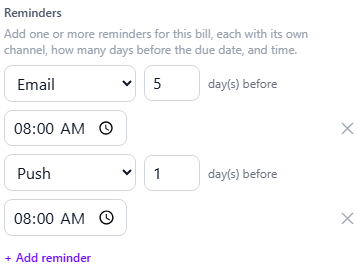
Bills and chores can have as many reminders as you want, each with its own channel (email, push, or both) and how far in advance you prefer — just like a calendar app.
Shopping works differently: the moment someone adds an item, the whole house gets an instant notification, no setup needed.
11. House subscription
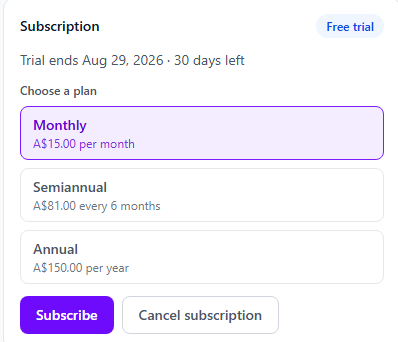
Every new house on HeyFlat starts with a free trial period. Once it ends, the house needs an active subscription to keep using the app — it's an agreement between the roommates, not a per-person charge.
Once the trial ends (or earlier, if you prefer), subscribing happens right in the app, and you can cancel anytime with no penalty.